



AI report builder
Open Reports, click "Build with AI", and describe the report you want. Refine it in the same chat, then save it like any other report. Already included and with no setup required.

Human contact matters more to your guests than digital contact. So Bookinglayer uses AI only where the screen work piles up.
AI Reporting (Beta)
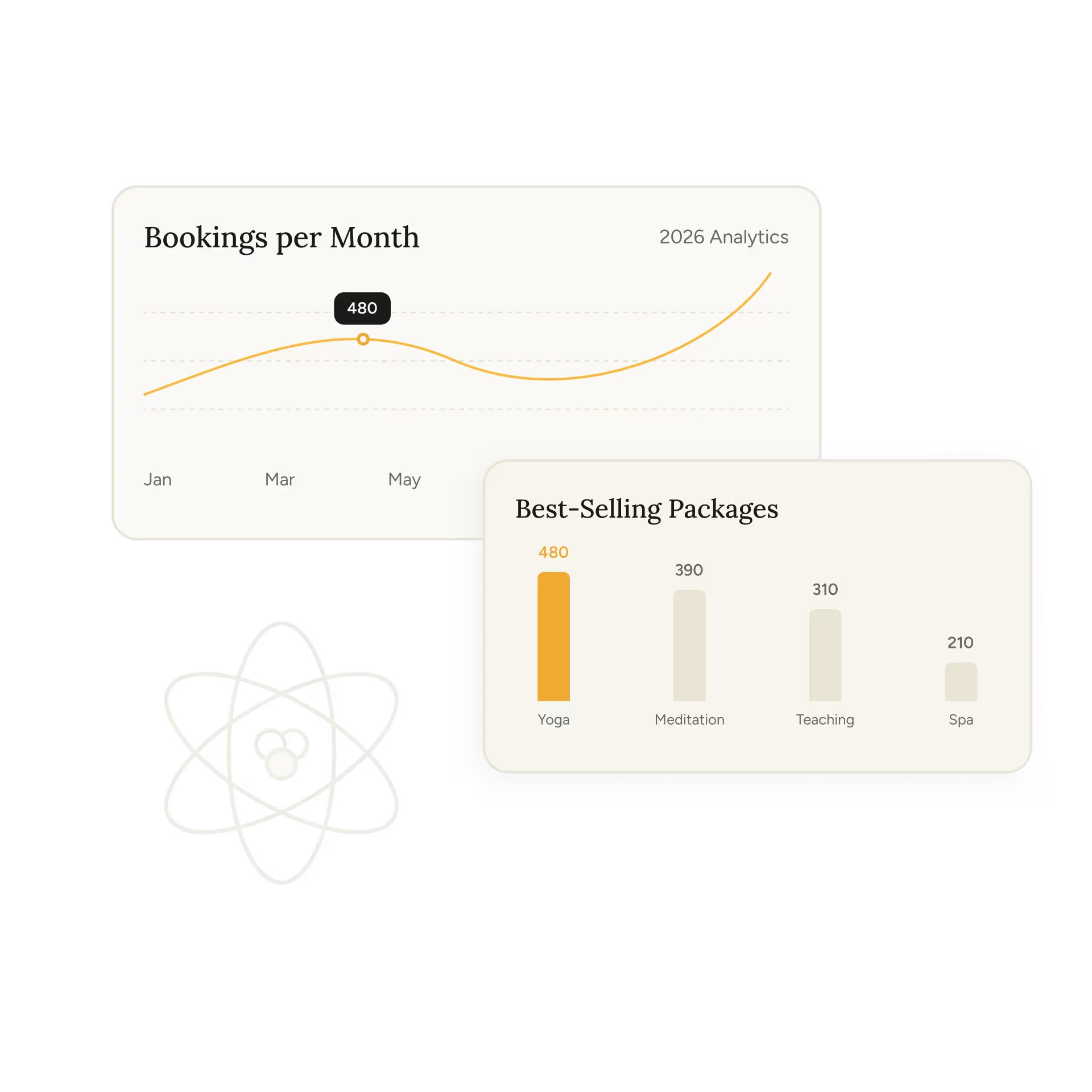
Everything your business did last season is already in the Backoffice. No field names to know, no columns to pick, no filters to set. Ask the way you'd ask a colleague. The answer comes back as a report you can save, schedule, and send.
How many bookings did we get per location last quarter?
Show me total revenue by month for the last 12 months.
List guests with unpaid invoices, sorted by amount owed.
What was our occupancy last month compared to the same month last year?
Which accommodation type generated the most revenue this quarter?
Find all bookings for a product canceled in the last 30 days.
Two ways to ask
Open Reports, click "Build with AI", and describe the report you want. Refine it in the same chat, then save it like any other report. Already included and with no setup required.
After you subscribe to our API add-on, you’ll be able to connect your reporting data & ask from the assistant you already have open all day. Answers come back as charts, tables, or a plain explanation.


AI-assisted booking
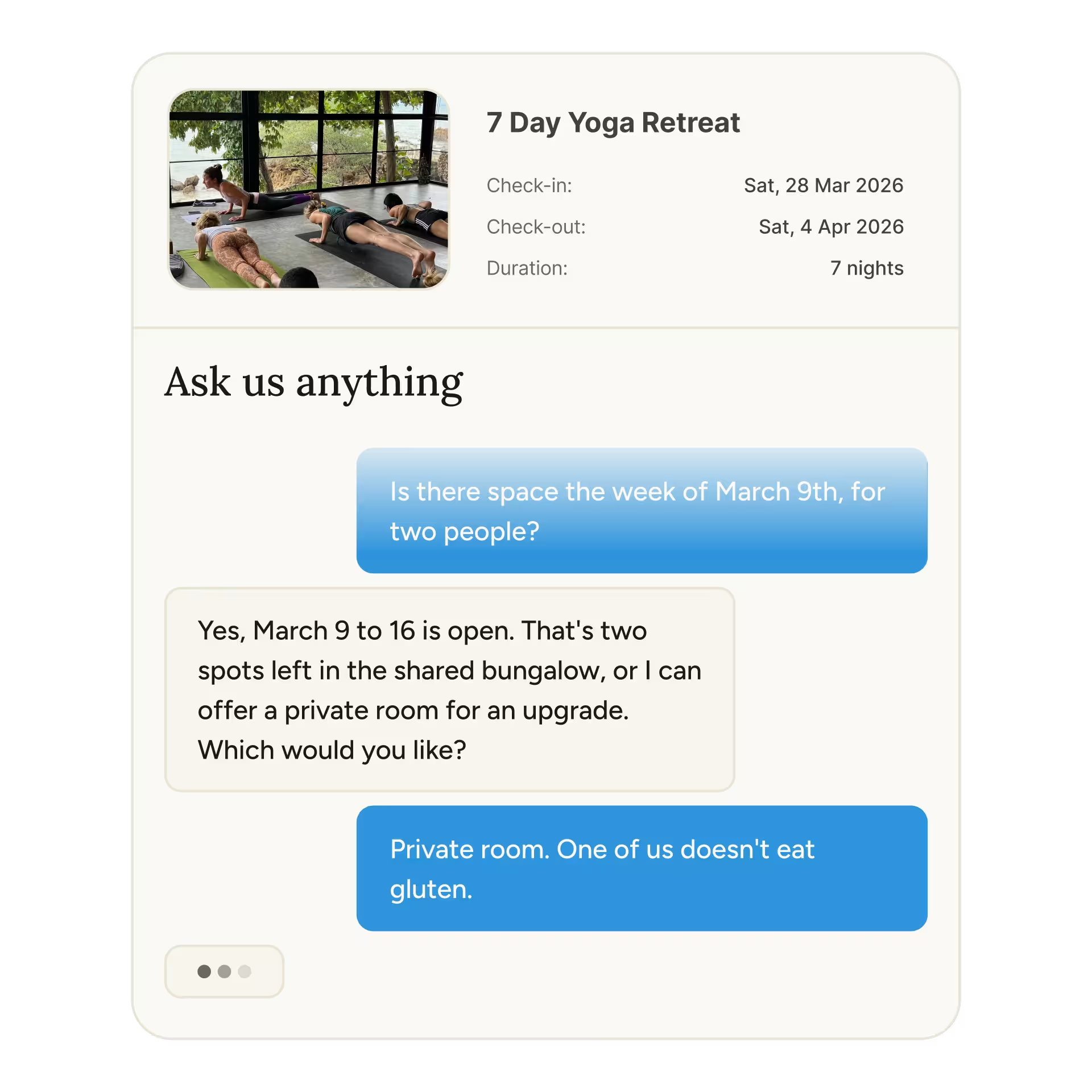
Private BetaTo a first-time guest, your offer is a grid of packages, dates, rooms, and add-ons. With AI-assisted booking, the guest describes the trip they have in mind. It asks what it still needs, then builds an itinerary from your live availability and prices.
Your packages, dates, room types, and add-ons, exactly as you set them up. Not a generic idea of what a business like yours sells.
Suggestions come from what is actually bookable, so every itinerary it hands over is one you can honor.
The questions your team answers by hand every week get answered before anyone has to write you.
Payment rules, deposits, and confirmations stay exactly as they are today.

AI in Bookinglayer works from your data and your rules. It takes the searching and the repeat questions off your plate, so the time goes back to the people who came to see you.

Booking Engine

Customer Portal

Payments

Request a demo.
We look at how you sell, your rooms, activities, and packages. If we're not the right fit, we'll tell you.
Onboard in two weeks.
Most clients go live in two weeks, working one to two hours a day with a dedicated onboarding specialist.
Go live and let it run.
The reminders send themselves. The deposits register themselves. You just run the retreat.
FAQ
AI Reporting lets you get answers from your booking and revenue data by asking in plain language. Build and save reports with the AI report builder inside the Backoffice, or connect Claude or ChatGPT and ask about your business from the assistant you already use.
No. Open Reports, click "Build with AI", and describe the report you want. It works out of the box, with no setup, no external tool, and no API add-on. Once the report looks right, save it like any other report and schedule it for your team.
No. The built-in builder produces a report: filters, columns, and a table you save and schedule. Charts and graphs are a Claude or ChatGPT capability, not the built-in one.
The API add-on on your Bookinglayer account, a paid Claude or ChatGPT plan, and a one-time connection setup. On team workspaces, your admin may need to allow custom connectors first. Our help center has step-by-step guides for both assistants.
MCP, the Model Context Protocol, is an open standard that lets AI assistants like Claude and ChatGPT connect to other tools. It gives your assistant secure, read-only access to your Bookinglayer reporting data, so it pulls the numbers itself instead of you copying them into a chat.
No. The connection is read-only. Your assistant can read your reporting data, and only after you authorize the connection in Bookinglayer. It cannot create, edit, or cancel anything.
Soon. AI-assisted booking is in development now. If you'd like to see where it's headed, ask about it in your demo.
No. It sits in front of the Booking Engine you already have. Checkout, payment rules, and confirmations stay exactly as they are today.
Yes. It's an additional way in, not a replacement for browsing packages directly.