



Talk to Your Data with AI Reporting
Bookinglayer now brings AI into reporting. Ask questions about your bookings, revenue, and guests in plain language and get answers in seconds.
Every booking, payment, and guest record in Bookinglayer tells you something about your business. The challenge has always been getting to those answers quickly, without knowing which filters to set or which columns to pick.
AI reporting changes that. You can now ask questions about your data the same way you would ask a colleague, and get the answer or the finished report in seconds. This is our first step into AI-powered tools in Bookinglayer, and there are two ways to use it.
Ask Directly in Reporting
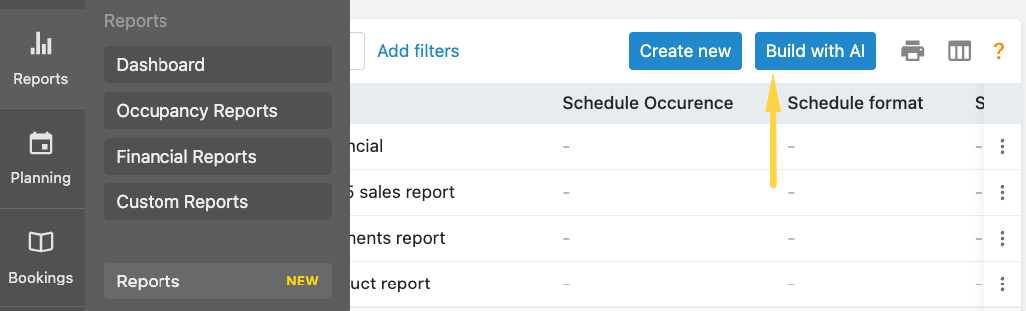
Custom reports in Bookinglayer now include an AI chat. Open Reports, click Build with AI, and describe what you want to see.
You don't need to know field names or how your data is structured. Type a question like "How many bookings do we have with a check-in date in September?" and the AI builds a live report while you watch, showing the filters it applied and a preview of the results.
From there, keep the conversation going. Ask it to list those bookings, filter to confirmed ones only, or add a column for location. When the report looks right, save it. It appears in your regular Reports list, ready to reuse or schedule like any other report.
There is nothing to set up. It works in your account out of the box.
Learn how to build reports with AI directly in Bookinglayer.
Bring Your Own AI Assistant
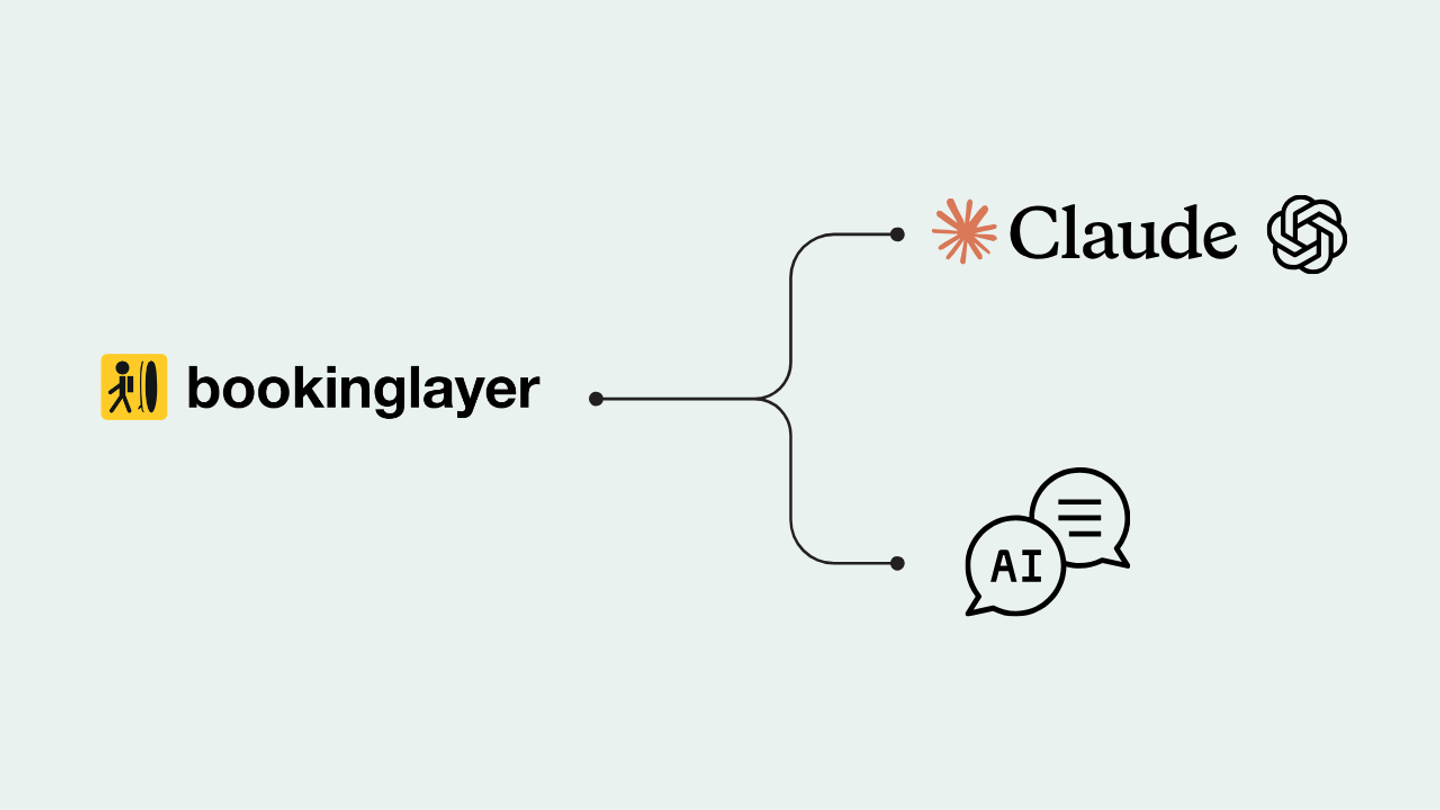
If you already use Claude or ChatGPT in your daily work, you can connect Bookinglayer reporting directly to it through MCP (Model Context Protocol), the standard that lets AI assistants securely access data from other tools. Once connected, you can ask questions about your business from there.
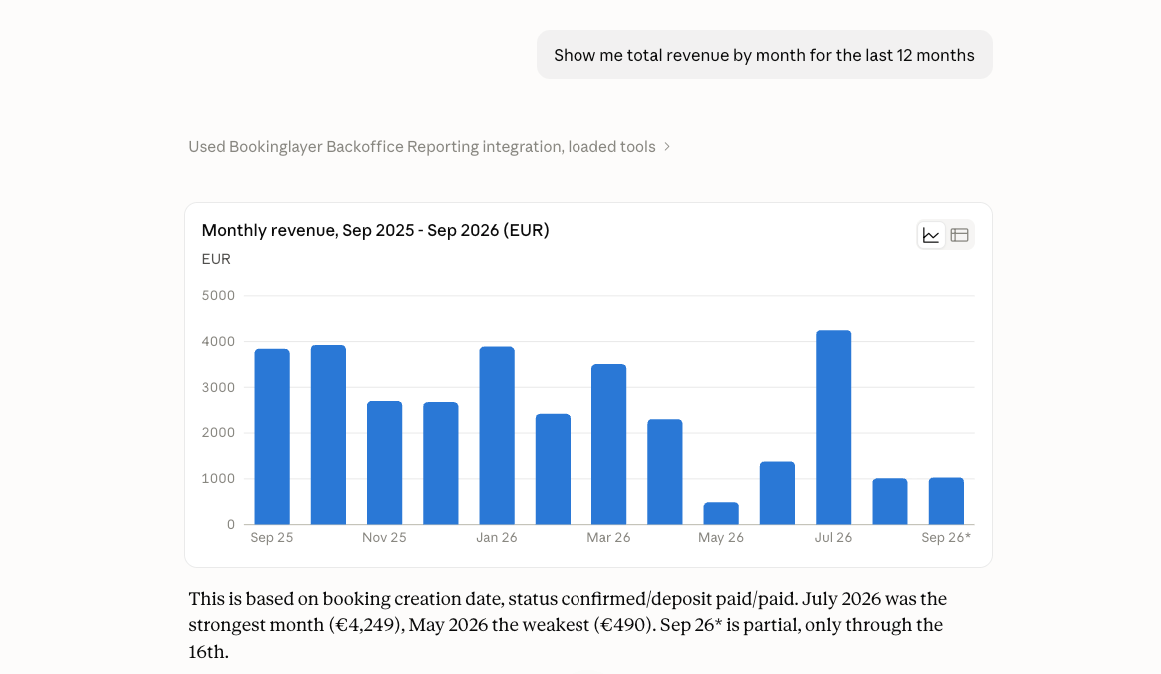
This option goes beyond tables. Your AI assistant can turn your data into charts and graphs, explain what the numbers show, and help you compare periods or spot trends. It also sits alongside everything else you do in that chat, so you can move from pulling last quarter's numbers to drafting a team update in the same conversation.
Learn how to connect Claude or ChatGPT to Bookinglayer.
What You Can Ask
Questions can be as simple or as specific as you need. For example:
- "Show me total revenue by month for the last 12 months."
- "How many bookings did we get per location last quarter?"
- "List guests with unpaid invoices, sorted by amount owed."
- "What's our average order value by month, compared to last year?"
- "Show me upcoming bookings with each guest's email and phone number."
For more ideas, see our example prompts.
Spend Less Time Building Reports
The benefit is simple: you get answers from your data faster, without needing to be a reporting expert.
Anyone on your team can check revenue, follow up on unpaid invoices, or prepare for the next season with a single question. Less time spent setting up reports means more time for your guests and your operation.
Not sure where to start? Follow our AI reporting guide for step-by-step instructions.
Could AI Reporting Save You Time?
If pulling numbers from your booking data still means exporting spreadsheets or setting up reports by hand, AI reporting can save you that time.
You can request a demo to see how Bookinglayer turns your bookings, payments, and guest data into answers you can act on.